Simple forms made easy.
Create online forms, collect responses, and use AI to automatically turn your submissions into clear, useful reports.
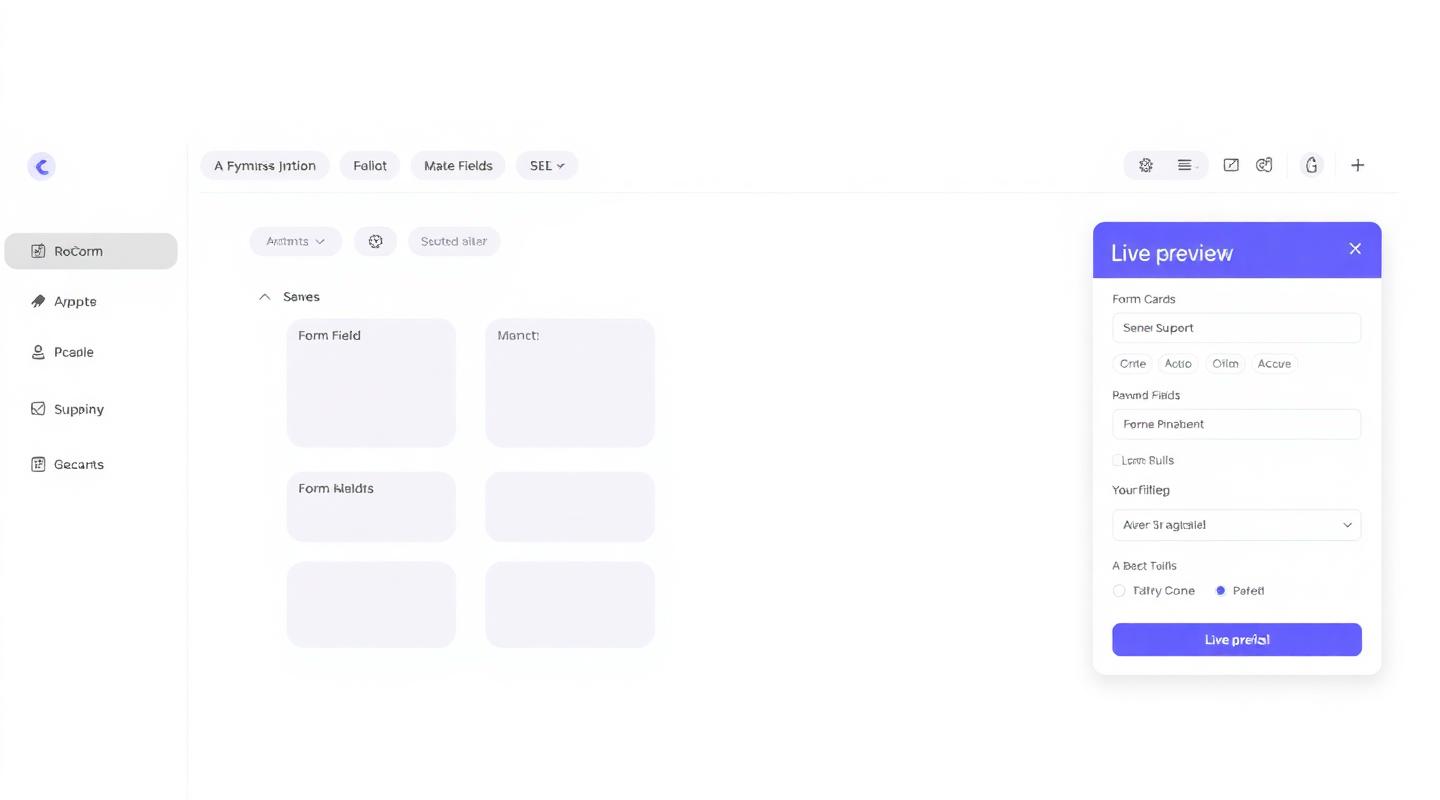
Everything you need to collect responses or data.
Build forms for your business, projects, events, applications, registrations, and everyday needs.
Easy form builder
Create your form step by step. Add the fields you need, arrange them in the right order, and make changes whenever you want.
Unlimited submissions
Collect as many responses as you like on every form you build. No caps, no tiers, no surprise limits.
Works on any device
Your forms are designed to work across phones, tablets, and computers, giving people a simple way to respond wherever they are.
Clear analytics
See how your form is performing with straightforward response, submission information, fully detailed form analytics powered by AI
Custom thank you page
Appears after someone submits your form. Add a message, links, buttons, or downloadable files to give respondents the next steps.
Easy exports
Download your responses when you need them. Use your data in the tools and systems you already work with.
Three steps to your first response.
You'll be ready to share your form in minutes.
Start your form
Give your form a name and add a short description. You can also add your logo and choose how you want it to look.
Add your fields
Choose the questions and information you want to collect. Add, remove, or rearrange fields as your form develops.
Share your form
Publish your form, copy the link, and share it with the people you want to reach.
Loved by people who don't have time to learn new tools.
“I built a full event registration form in ten minutes. The guided steps made it feel obvious — I didn't have to guess what anything did.”
“Every option had a plain explanation underneath. It was the first form builder I've used where I never once had to Google what a setting meant.”
“The custom thank you page alone is worth it. My clients feel taken care of the moment they submit a form.”
Common questions
Is it actually free?+
Yes. Your free account keeps up to 5 forms live at a time, with unlimited responses and as many drafts as you like. Each form stays live for 3 months from the day you publish it, then stops accepting responses. Need more live forms or a longer run? Speak with us for a quote.
Do I need any technical knowledge?+
Not at all. The whole platform is built to guide you. Every button, setting, and option includes a plain, language explanation of what it does.
Can I download my responses?+
Always. Export your submissions to CSV, Excel, or PDF at any time from your dashboard.
What happens after a form closes?+
Two days after your closing date, the form stops accepting new responses. Two days after that, submissions are cleared, your form details, totals, and analytics remain.
Is my data secure?+
Yes. Your data is encrypted in transit and at rest, and only you can access your responses. You stay in full control.
Ready to build your first form?
Join creators, teams, and small businesses using Forms to collect your data.
Create your free formTalk to us.
Have a question or want to advertise on Forms? We'd love to hear from you.
Email: info@oleitech.co.za
WhatsApp: 068 672 6978